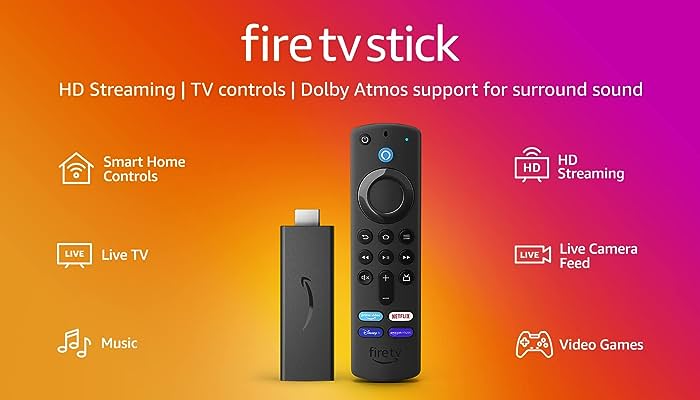
In the world of streaming, Firestick has emerged as a go-to device for transforming your regular TV into a smart, feature-packed entertainment hub. If you’re looking for the ultimate IPTV service to pair with your Firestick in 2023, look no further than CloudFLIX. We’re here to show you why CloudFLIX is the top choice for Firestick users, offering an unrivaled streaming experience that will redefine your entertainment world.
Why CloudFLIX Tops the List for Firestick Users:
1. User-Friendly App:
- CloudFLIX offers a user-friendly app that is optimized for Firestick. The interface is intuitive, making it a breeze to navigate through your favorite channels and content.
2. Seamless Integration:
- Setting up CloudFLIX on your Firestick is quick and hassle-free. All it takes is a simple download from the Amazon Appstore, and you’re ready to start streaming.
3. Vast Channel Selection:
- CloudFLIX boasts an extensive channel lineup, covering everything from live sports and news to entertainment and international channels. No matter your interests, we’ve got you covered.
4. On-Demand Content:
- In addition to live TV, CloudFLIX provides access to a vast library of on-demand content, including movies, TV shows, documentaries, and more. Catch up on your favorite shows or discover new ones at your convenience.
5. High-Quality Streaming:
- We prioritize high-quality streaming with minimal buffering. CloudFLIX is optimized to deliver a seamless viewing experience, ensuring you enjoy your content in crystal clear quality.
6. Competitive Pricing:
- CloudFLIX understands that affordability matters. We offer competitive pricing plans that cater to your budget without sacrificing the quality of servi
How to Get Started with CloudFLIX on Your Firestick:
Getting started with CloudFLIX on your Firestick is straightforward:
- Sign Up for Our 3-Day Trial: Visit our website and sign up for our 3-day trial. Keep an eye on your email for a message with your login details.
- Download the CloudFLIX App: Once you’ve received your login information, proceed to download the CloudFLIX app on your Firestick. Here’s how to do it:a. On your Firestick home screen, navigate to the “Search” icon in the top left corner.b. Search for “Downloader” and select the “Downloader” app from the results.c. Download and install the “Downloader” app.d. Open the “Downloader” app and enter the following code: 334688.e. This will initiate the download of the CloudFLIX app on your Firestick.
- Log In with Your Details: After successfully installing the CloudFLIX app, open it on your Firestick. Enter the login details provided in the email you received during the sign-up process.
- Start Exploring! You now have access to our extensive channel lineup and on-demand content library.
Why Choose CloudFLIX for Your Firestick?
- Regular Updates: We’re committed to keeping our app up to date with the latest features and improvements, ensuring a top-notch experience.
- Dedicated Customer Support: Our customer support team is here to assist you with any questions or issues you may encounter.
- Flexibility: CloudFLIX offers flexible subscription plans, so you can choose the one that best suits your streaming needs.
In conclusion, if you want to maximize the potential of your Firestick and enjoy a world of entertainment at your fingertips, CloudFLIX is your ultimate IPTV choice for 2023. Don’t miss out on the chance to elevate your streaming experience – sign up for our 3-day trial today and unlock a world of entertainment possibilities right on your Firestick!